Restaurant Ordering-Contact Fridge Magnet
A red-and-cream rectangular magnet concept combines a chef-hat CB mark, RESTAURANT banner, large MENU wording, serving-dish artwork and a small lower phone line.
Concept image for reference. Your selected customisation brief takes precedence.
- Model
- CB-MAGNET-BASIC-002
- Material
- Printed face with magnetic backing
- MOQ
- 500
Choose your options.
Size & quantityIf known
Shape
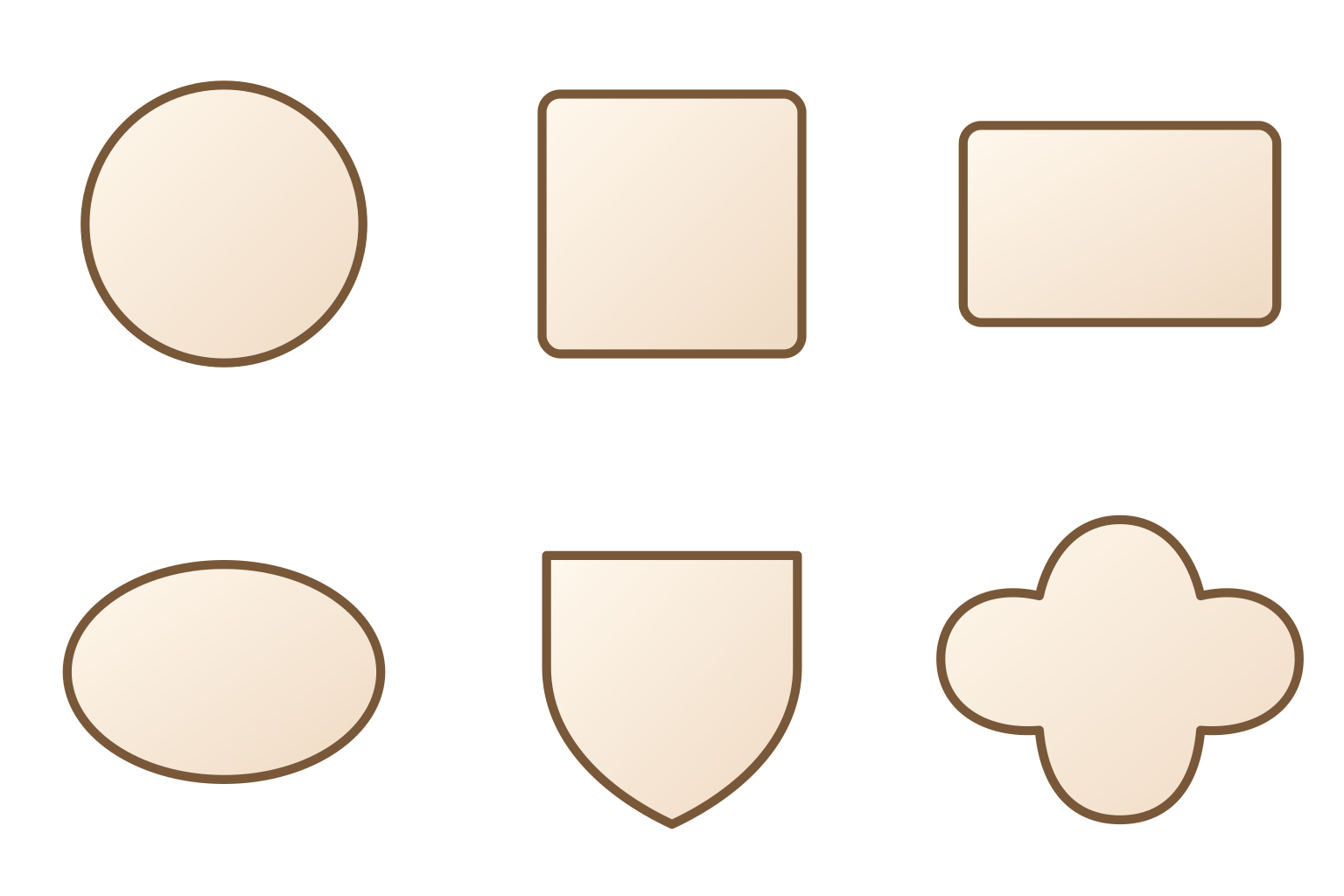
Illustrated references for comparison. Your agreed customisation brief defines the final result.
Material
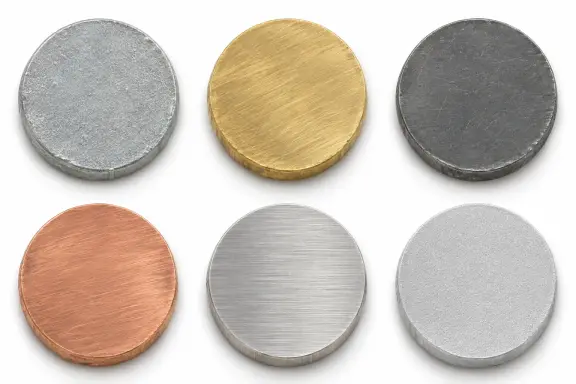
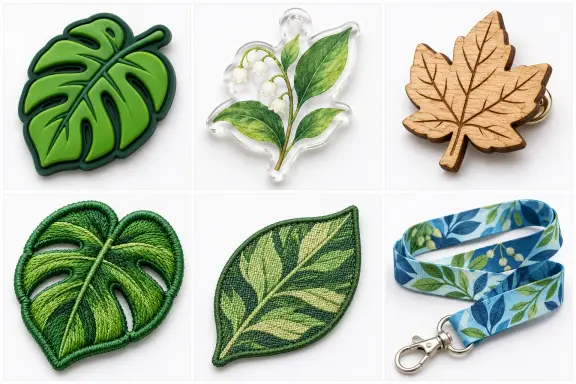
Illustrated references for comparison. Your agreed customisation brief defines the final result.
Construction and attachment
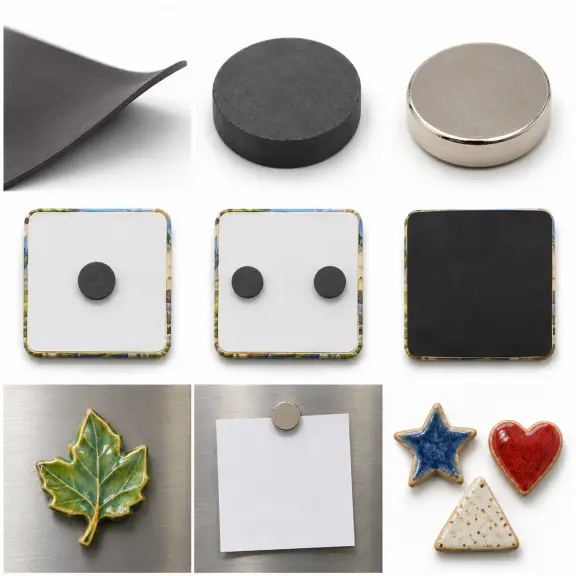
Illustrated references for comparison. Your agreed customisation brief defines the final result.
Artwork colours
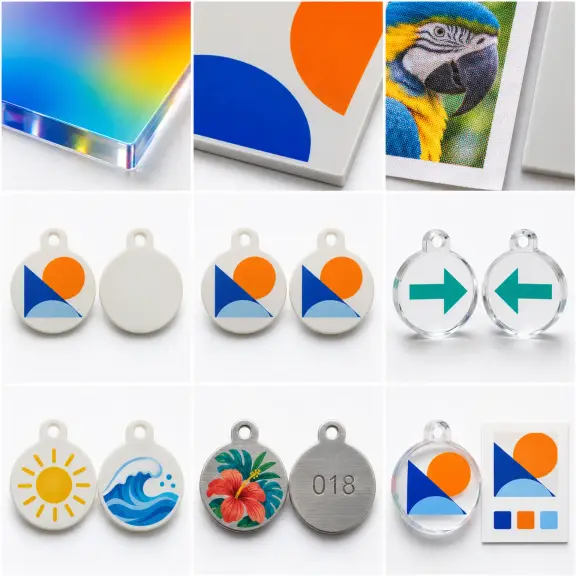
Illustrated references for comparison. Your agreed customisation brief defines the final result.
Add colour references Optional
Packaging
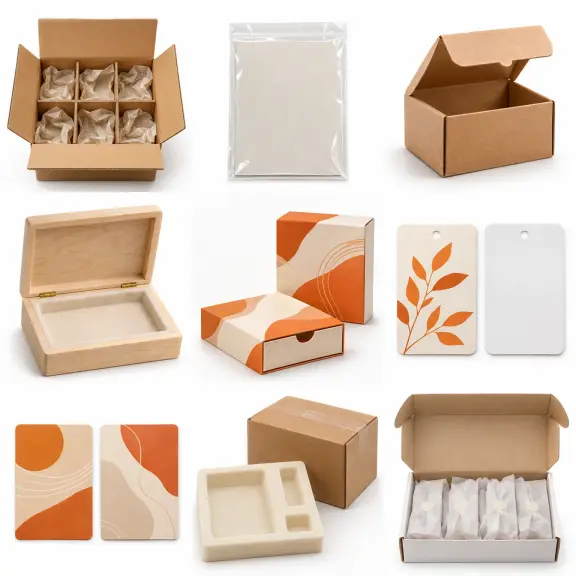
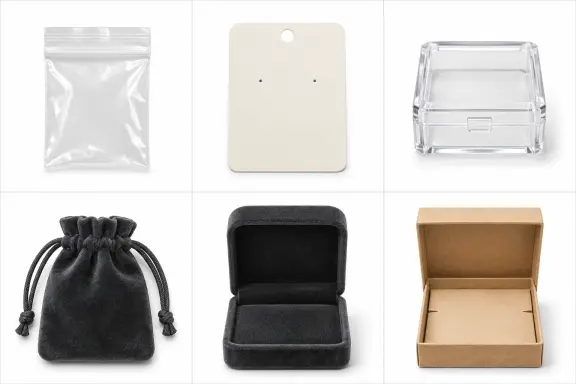
Illustrated references for comparison. Your agreed customisation brief defines the final result.
Add packaging details Optional
Displayed example & production information
Restaurant Ordering-Contact Fridge Magnet — Displayed example information
Design reference details. Choose dimensions, colours and fittings for your brief; production artwork records the agreed specification.
- Reference model
- CB-MAGNET-BASIC-002
- Product colour
- Red, Cream
- Product shape
- Rounded rectangle
- Construction and process
- Printed promotional magnet-face concept.
- Design material
- Printed face with magnetic backing
- Packaging brief
- Packaging selected for the project; no packing format is represented as supplied stock.
Product detailsCustom Fridge Magnets
Configure the details for your project.
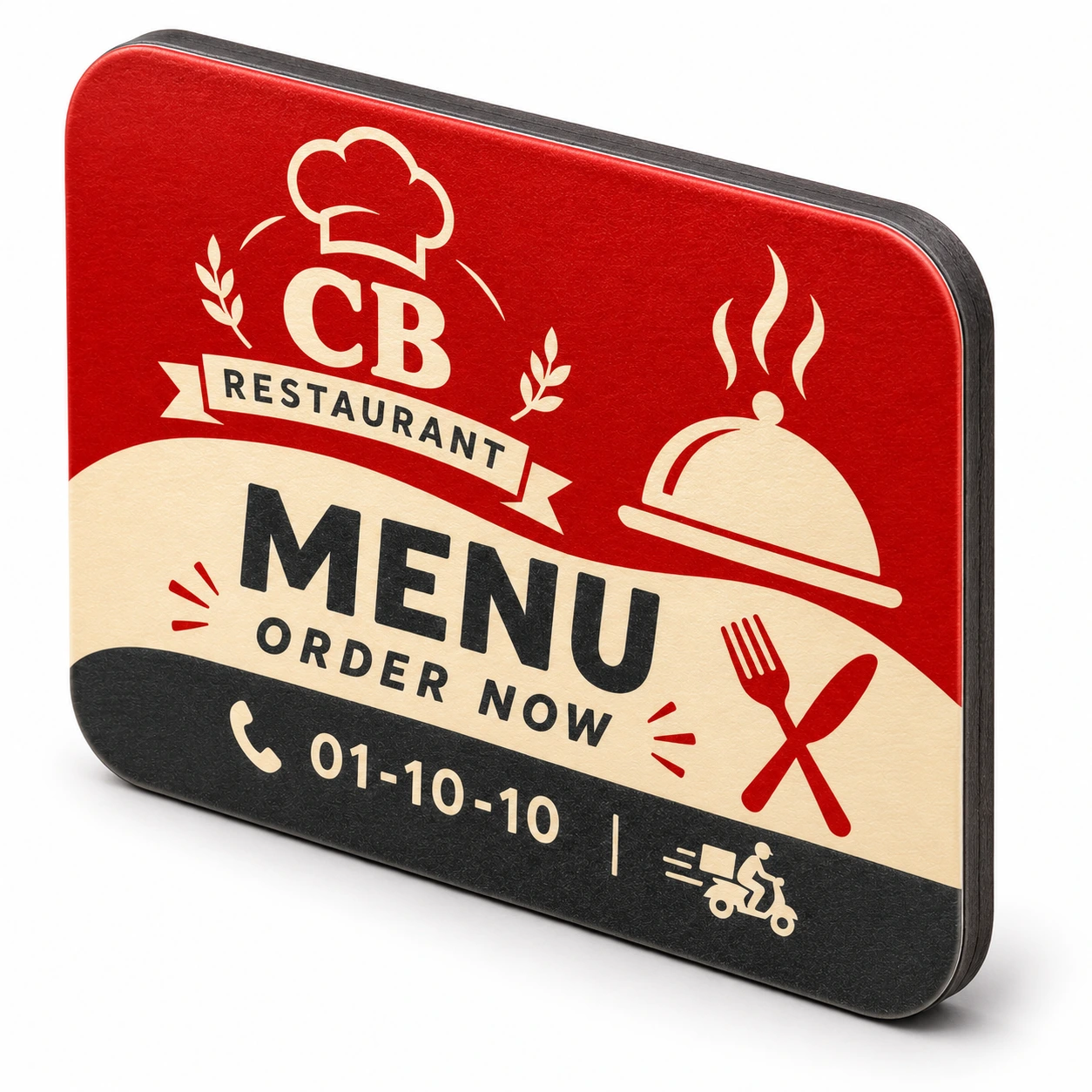
Custom Fridge Magnets, made around your design.
Share your preferences and artwork with the quote request.
The design promotes ordering rather than listing dishes
The face uses MENU and ORDER NOW as large messages, with small contact information along the base. It does not contain a complete menu, prices or a verified restaurant phone directory.
Provide the customer's actual ordering route
Supply the business name, working phone number or approved ordering address as editable text. The short number in the concept is demonstration artwork and is not a real contact for this product page.
Review information in its intended order
Check brand first, ordering message second and contact details third. If a web address is added, give it a dedicated readable zone instead of shrinking it beside the cutlery graphics.
Product highlights
What this example demonstrates.
The design promotes ordering rather than listing dishes
The face uses MENU and ORDER NOW as large messages, with small contact information along the base.
Provide the customer's actual ordering route
Supply the business name, working phone number or approved ordering address as editable text.
Review information in its intended order
Check brand first, ordering message second and contact details third.
Specification guide
From your idea to production
Share the essentials
Choose your options and upload your design if available.
Refine the details
We review the process, colours, structure and attachment against your design.
Confirm before production
Sampling, packaging and delivery are agreed for your project.
Frequently asked questions
Is a complete restaurant menu shown?
No. The design uses a menu-themed message and contact area without dish listings or prices.
What contact information should be supplied?
Provide the actual business number or approved ordering address exactly as customers should use it.
Can a takeaway service use this layout?
Supply its authorised identity and ordering message, then review the contact panel for that service.
Which text should be checked most carefully?
Verify the business name, ordering instruction and complete real contact details.
How could an ordering web address be added?
Assess a dedicated readable panel rather than squeezing it among the decorative icons.
Explore related custom options
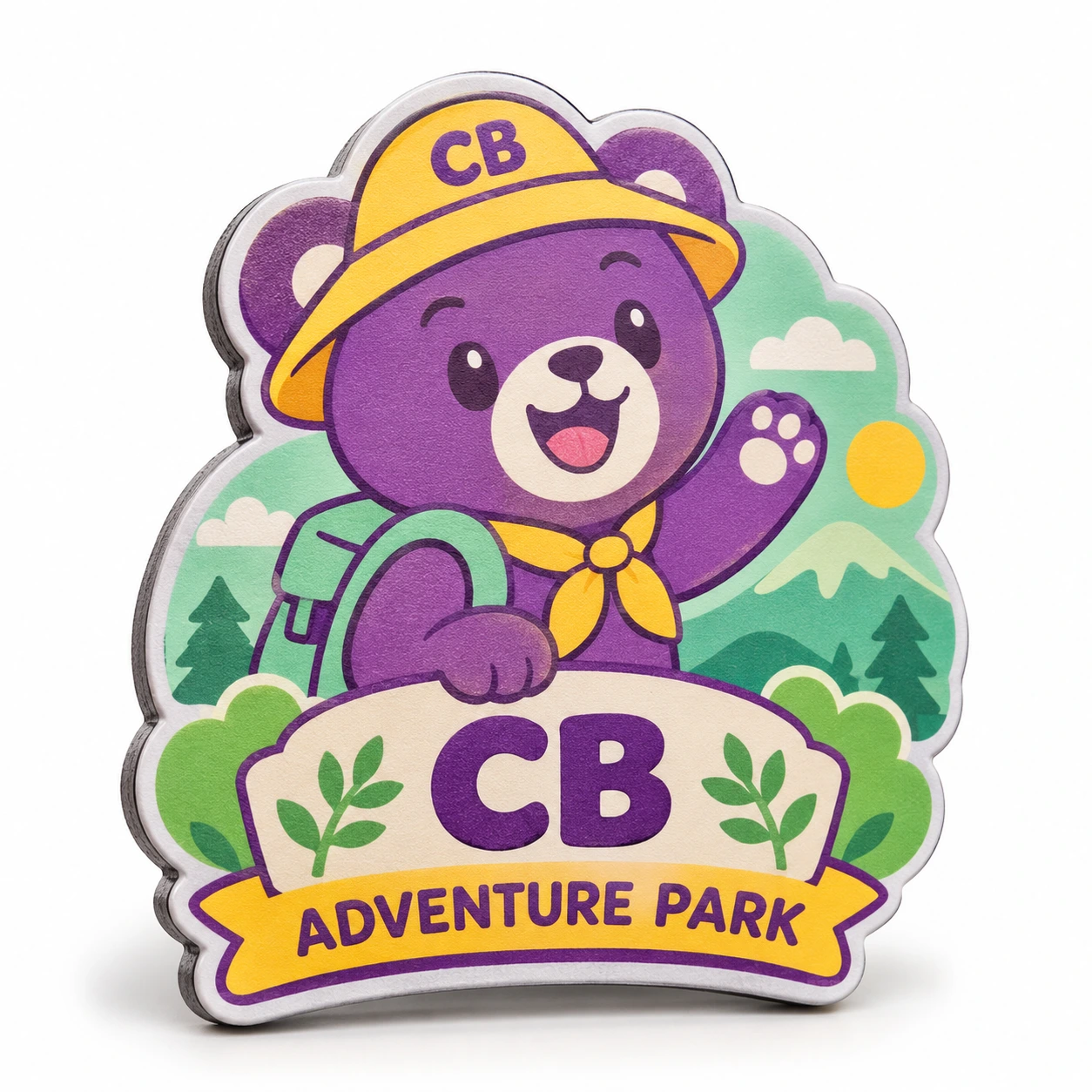
Adventure-Park Bear Mascot Fridge Magnet
- Material
- Printed face with magnetic backing
- MOQ
- 500
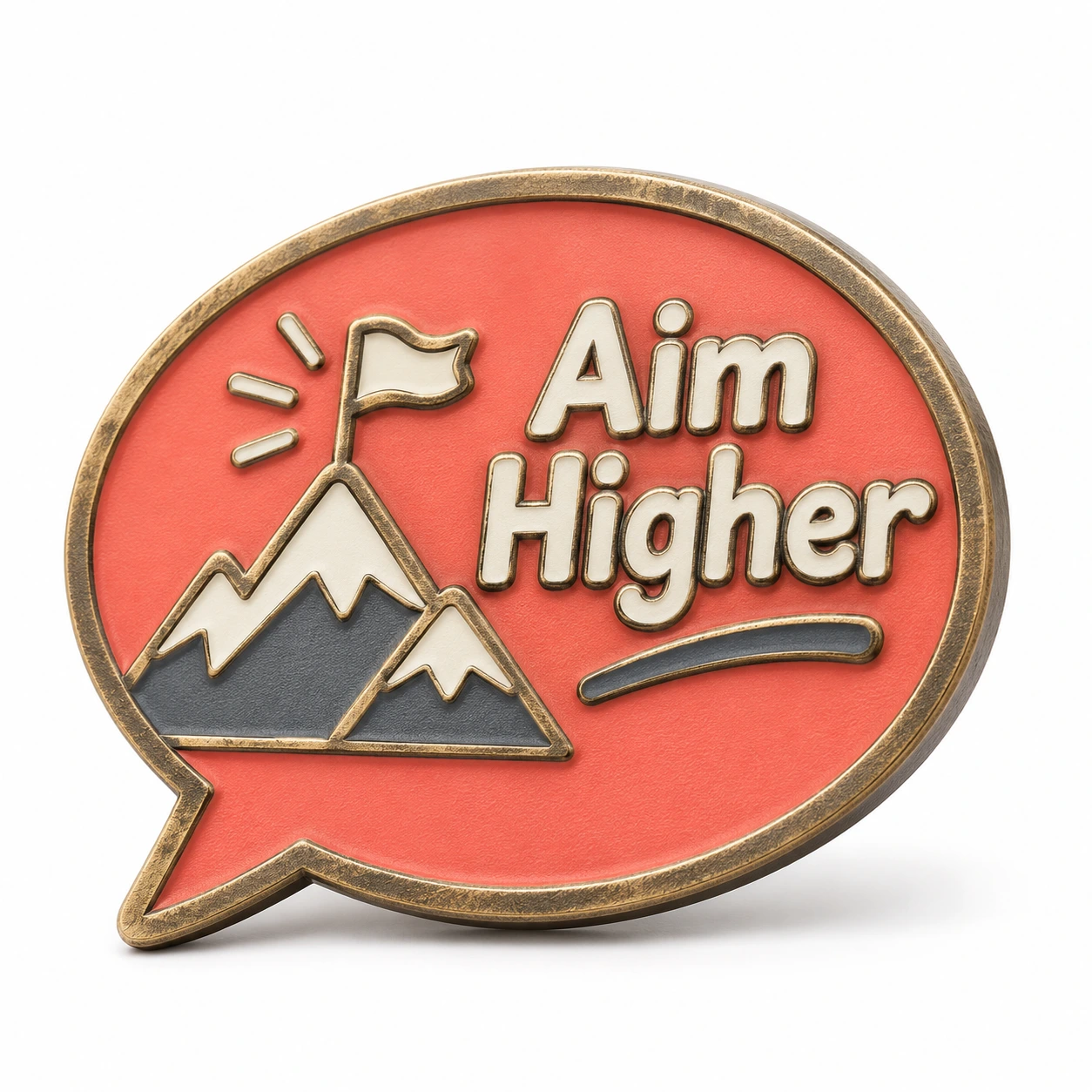
Aim-Higher Mountain Speech Magnet
- Material
- Metal design with magnetic backing
- MOQ
- 500
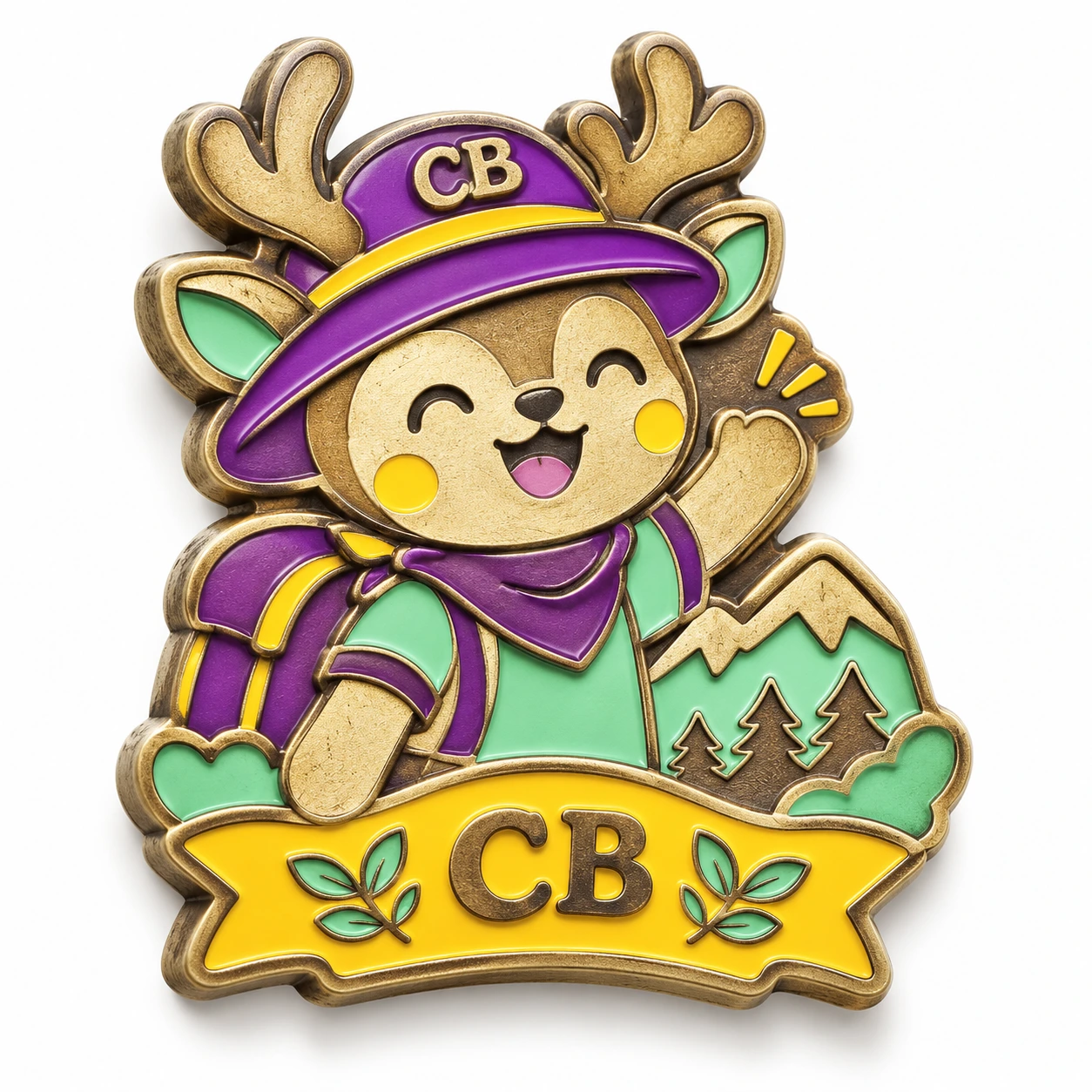
Antlered Explorer Mascot Metal Magnet
- Material
- Metal design with magnetic backing
- MOQ
- 500